Turn your MB into mobile data
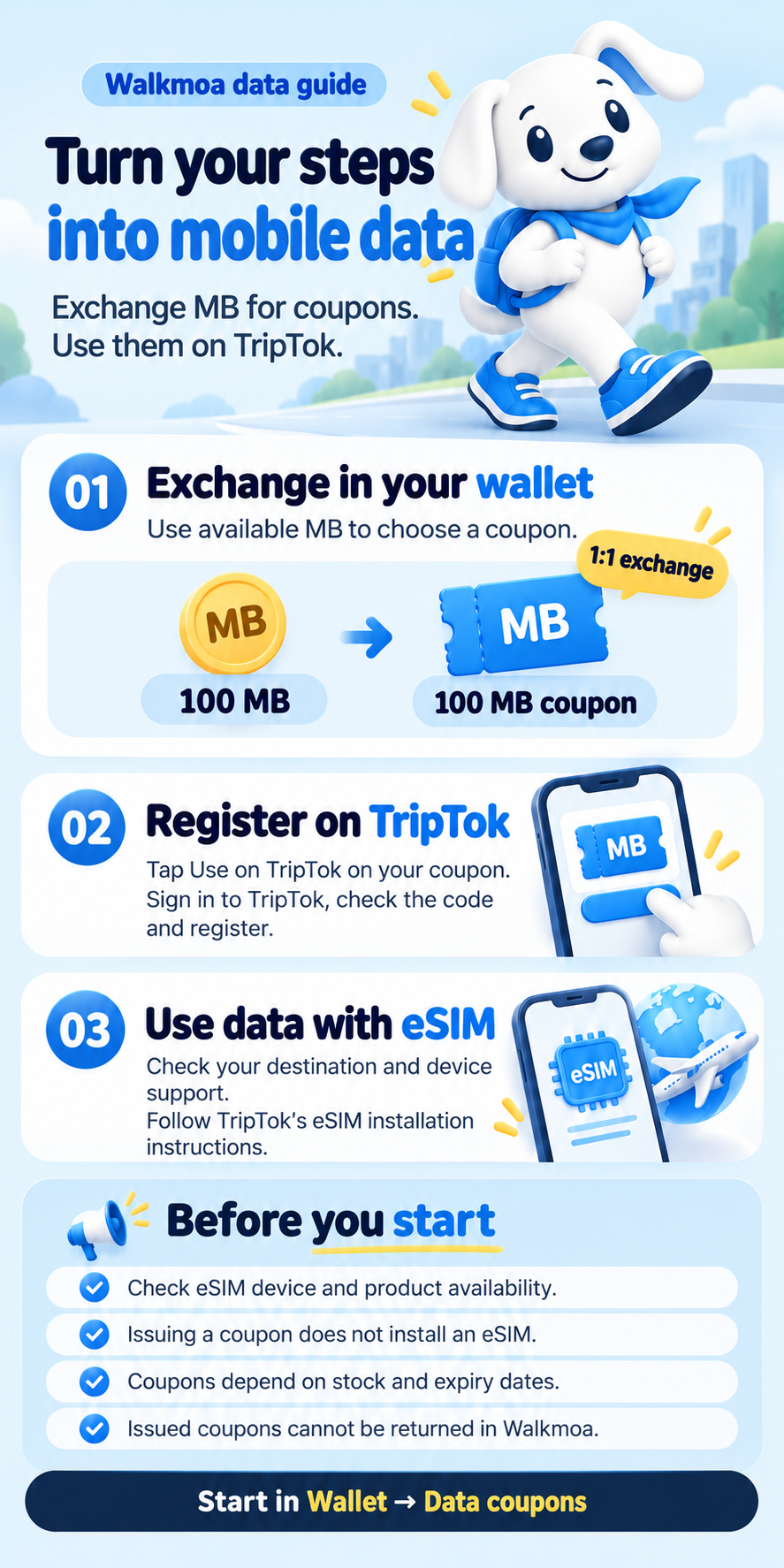
Choose a coupon in your wallet using available MB. Exchange at 1:1: 100 MB gets a 100 MB coupon.
Tap “Use on TripTok” on your coupon. Sign in to TripTok separately, check the coupon code and register it.
Check the country, product and eSIM compatibility of your device, then follow TripTok’s eSIM installation instructions.
Only available, published coupons can be exchanged, and expiry dates apply. Issuing a coupon does not install an eSIM. Issued coupons cannot be canceled or returned in Walkmoa.